Trusted by sailors since 1978 – available in print & eBook
Free Downloads
Norwegian Cruising Guide – Waypoint Files
Imagine that you are out sailing along the Norwegian coast and it’s late in the afternoon. What ports and anchorages are close? What anchoring and mooring facilities do they have? What is there to do?
A quick glance at your chart plotter or navigation software shows a waypoint at every harbour or anchorage covered by the Norwegian Cruising Guide. Zoom in on the name, look it up in the Index of the Guide, and your questions are answered.
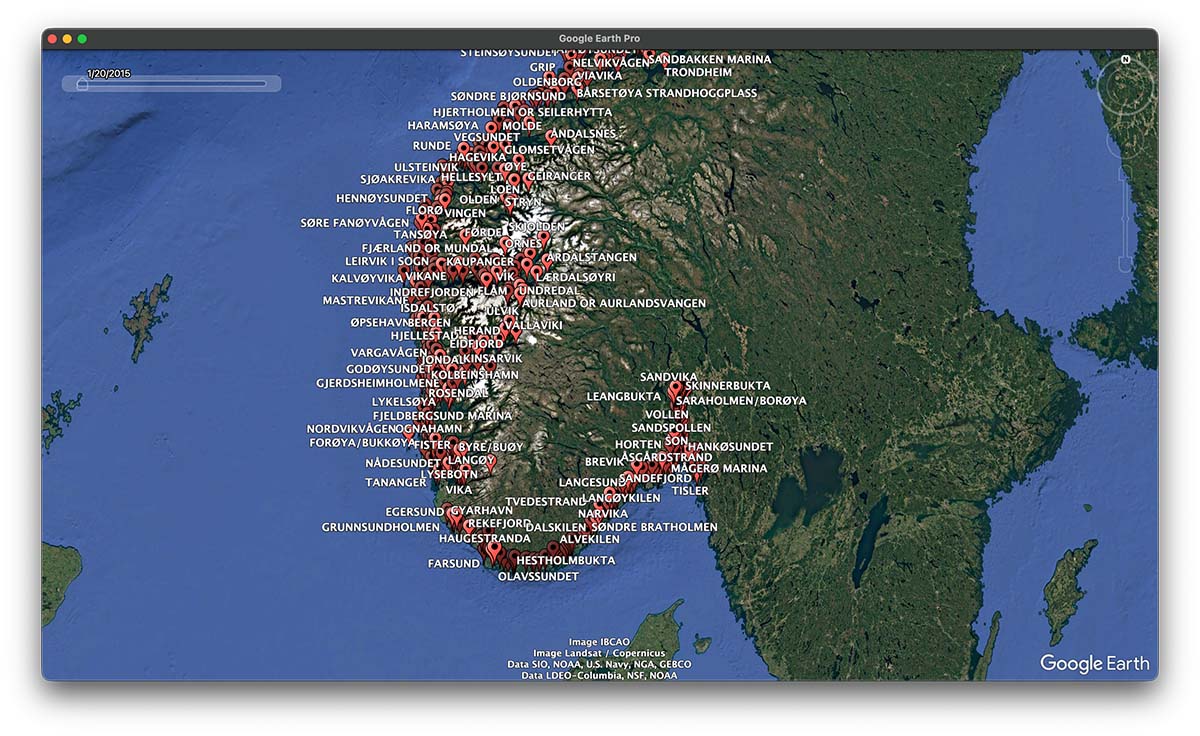
We have built a waypoint file of all the harbours and anchorages covered in the Norwegian Cruising Guide. You can upload and display the waypoints on your plotter and tablet (.gpx format) or Google Earth (.kml format).
Download for free, without obligation; you will be amazed!
| File to download | Chart plotters, tablets, navigation software | Google Earth / Google Earth Pro |
| Complete Waypoint List | Download All .gpx | Download All .kml |
| Swedish Border to Bergen | Download Vol 2 .gpx | |
| Bergen to Bodø | Download Vol 3 .gpx | |
| Bodø to the Russian Border | Download Vol 4 .gpx | |
| Svalbard & Jan Mayen | Download Vol 5 .gpx |
Coastal Danger Areas
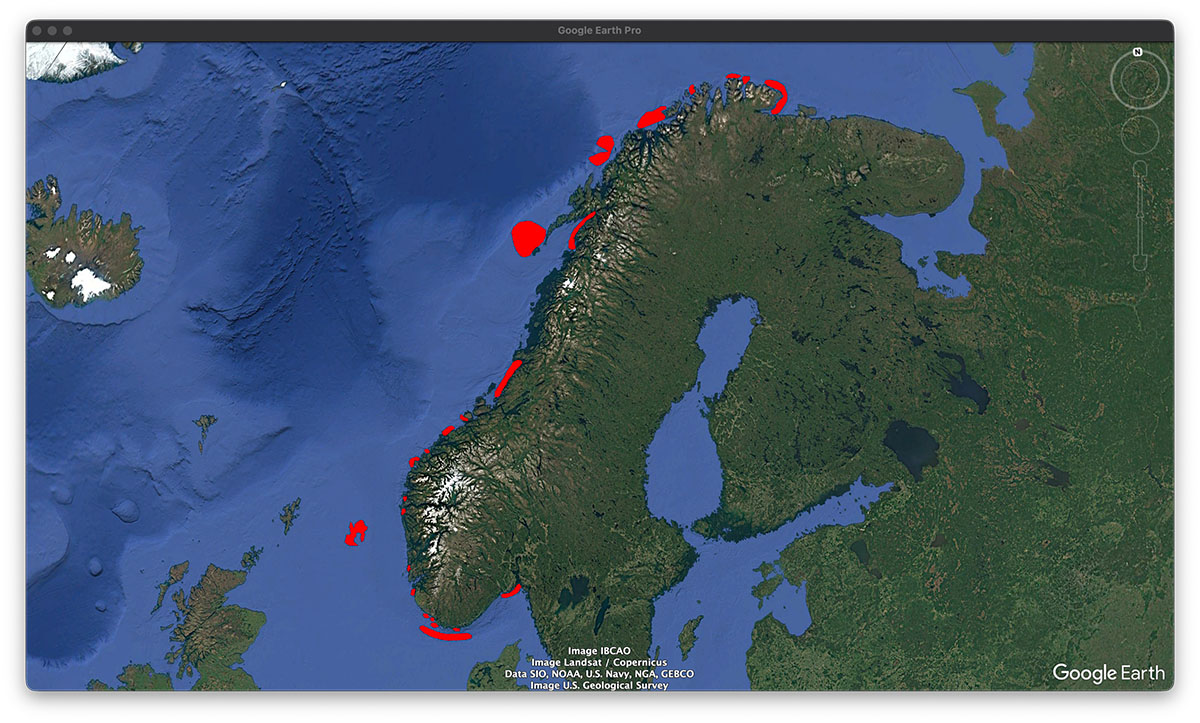
You will come across Coastal Danger Areas throughout the Norwegian Cruising Guide. These are indicated on the chapter introduction maps of each chapter in the Guide where applicable. There is a total of 24 such areas along the Norwegian coast where dangerous waves can occur in certain weather conditions. Once downloaded into Google Earth, click into the coloured area and you will get information about the specific weather conditions when dangerous waves are more likely to happen. Now, how cool is that?
The dataset, produced by Kartverket, is based on the chapter on dangerous waves in Den Norske Los, Vol. 1, PDF edition, 2018, Kartverket.no.
| File to download | Chart plotters, tablets, navigation software | Google Earth / Google Earth Pro |
| Coastal Danger Areas | | Coastal Danger Zones .kml |
The complete waypoint list contains more than 1,000 entries. Some chart plotters (e.g. Garmin) and mobile apps (e.g. Navionics on iOS) have limited storage capacity for waypoints. We have split the list into files for each volume of the Guide.
Because of the myriad of plotters and navigation apps out there we cannot provide support on uploading the waypoint file. But luckily there are tools like ChatGPT that will help you out.
The waypoints are at the approximate location of the harbour or anchorage and are not for navigation.